Set your alarm
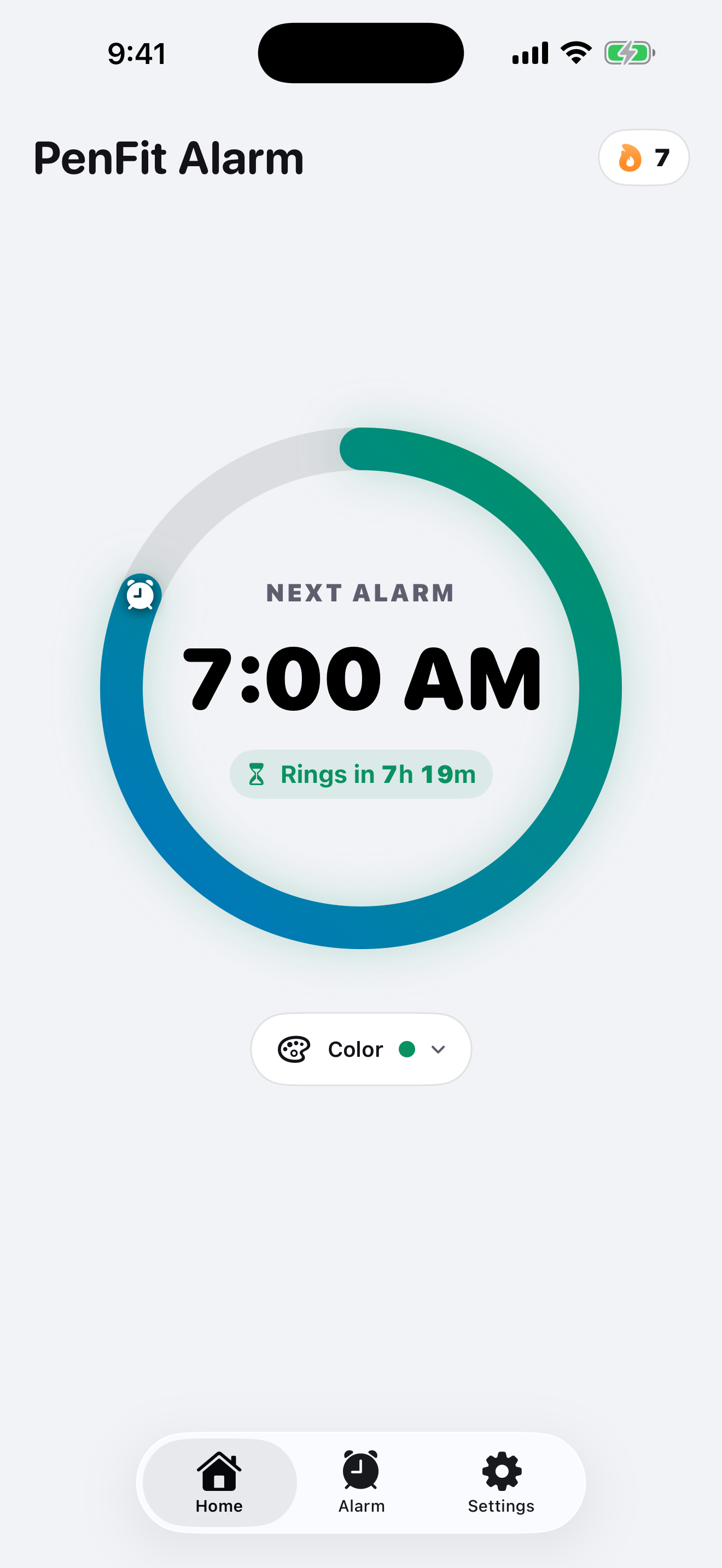
Choose your wake-up time and the missions you want to complete.
WakeBomb makes you prove you’re awake with missions like math problems and push-ups. If you fail, a Penalty Alarm is set to ring at a random time.
How it works
Choose your wake-up time and the missions you want to complete.
The alarm stays silent while you work. If you stop interacting for too long, it may ring again.
Complete at least one mission to earn up to one Wake Ticket per day. Save 15 Wake Tickets to unlock a PRO mission.
If you enable Penalty Alarm and fail to wake up, one alarm is scheduled for a hidden random time inside an automatically generated daytime window.
Once it is set, you cannot cancel or turn it off yourself.
Rings once at a random time
WakeBomb is an alarm app that makes you prove you are awake by completing the missions assigned to your alarm. If you fail while Penalty Alarm is enabled, WakeBomb schedules another alarm for a hidden random time.
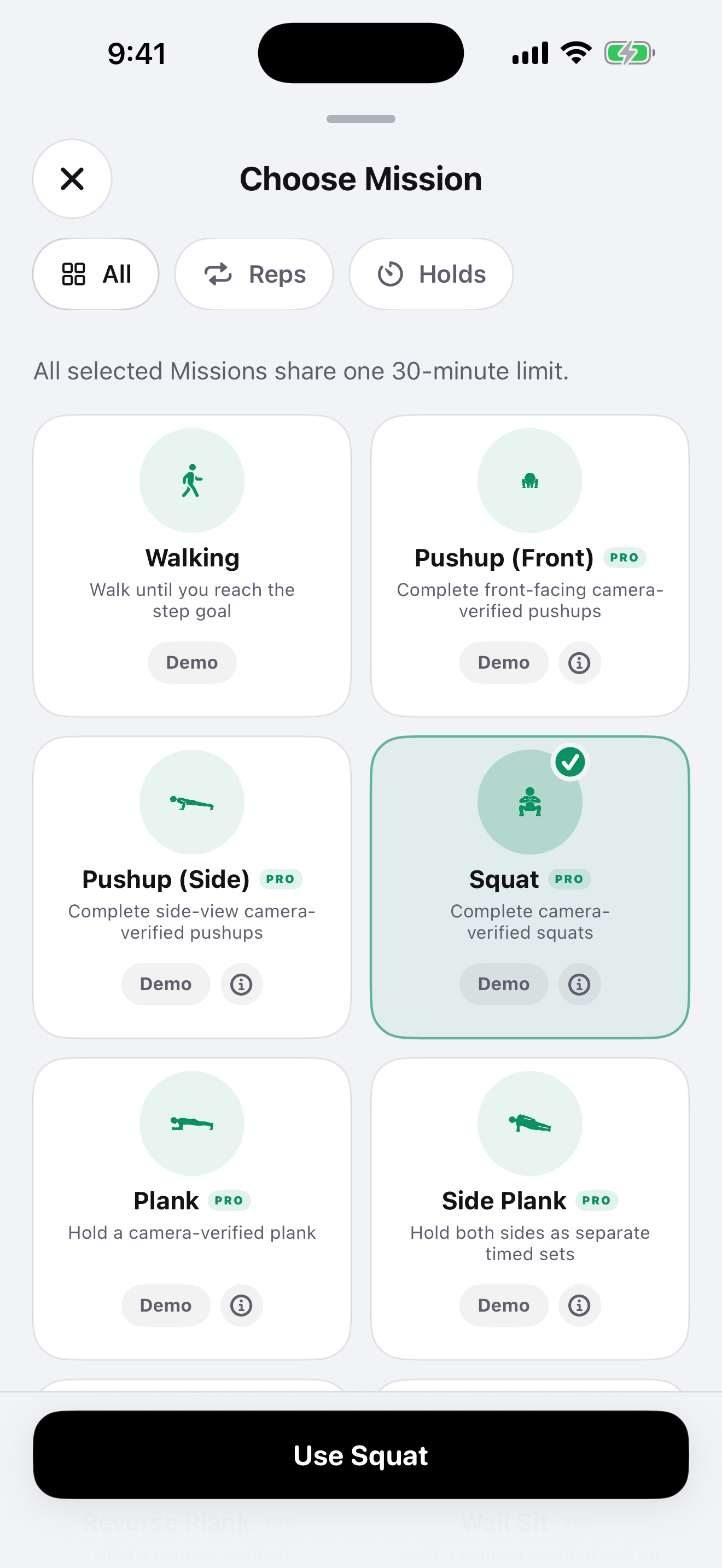
WakeBomb includes Math, Memory, Walking, Typing, Pushup (Front), Pushup (Side), Squat, Plank, Side Plank, Reverse Plank, and Object Recognition. Some missions require PRO access or a Wake Ticket unlock, and camera or motion permissions where applicable.
Complete at least one Wake-up Mission to earn one Wake Ticket, up to once per calendar day. You can use 15 Wake Tickets to unlock one PRO mission. Stopping an alarm with no missions does not award a ticket.
No. Camera frames used for pose and object recognition are processed on your device. WakeBomb does not save or upload them.
Penalty Alarm must be enabled for the alarm. If WakeBomb verifies that you did not complete every selected Wake-up Mission within 45 minutes of the wake-up time, it schedules one Penalty Alarm at a hidden random time. Its 3–5-hour window is generated automatically between 7:00 AM and 9:00 PM in your current local time zone, using the next eligible day when necessary. Once set, you cannot cancel or turn it off yourself; you must stop it when it rings.
WakeBomb supports iOS 17 and later, including iOS 18. For the full WakeBomb experience and AlarmKit-based system alarms, iOS 26 or later is recommended.